Courses & LearningAI DesignAI Coding
AI Course for Designers Starting from Zero
An AI course built around real design workflows.

Fan Mihua
Cross-domain Designer

AI Course for Designers Starting from Zero
An AI course built around real design workflows.
课程一次付费
After payment, save the payment screenshot, add Fan Mihua on WeChat, and send the screenshot to join the course group.
This course is for designers who want to turn AI from a one-off generator into a repeatable way of working—from tool setup and design rules to components, interaction, frontend delivery, and a personal portfolio.
Course format
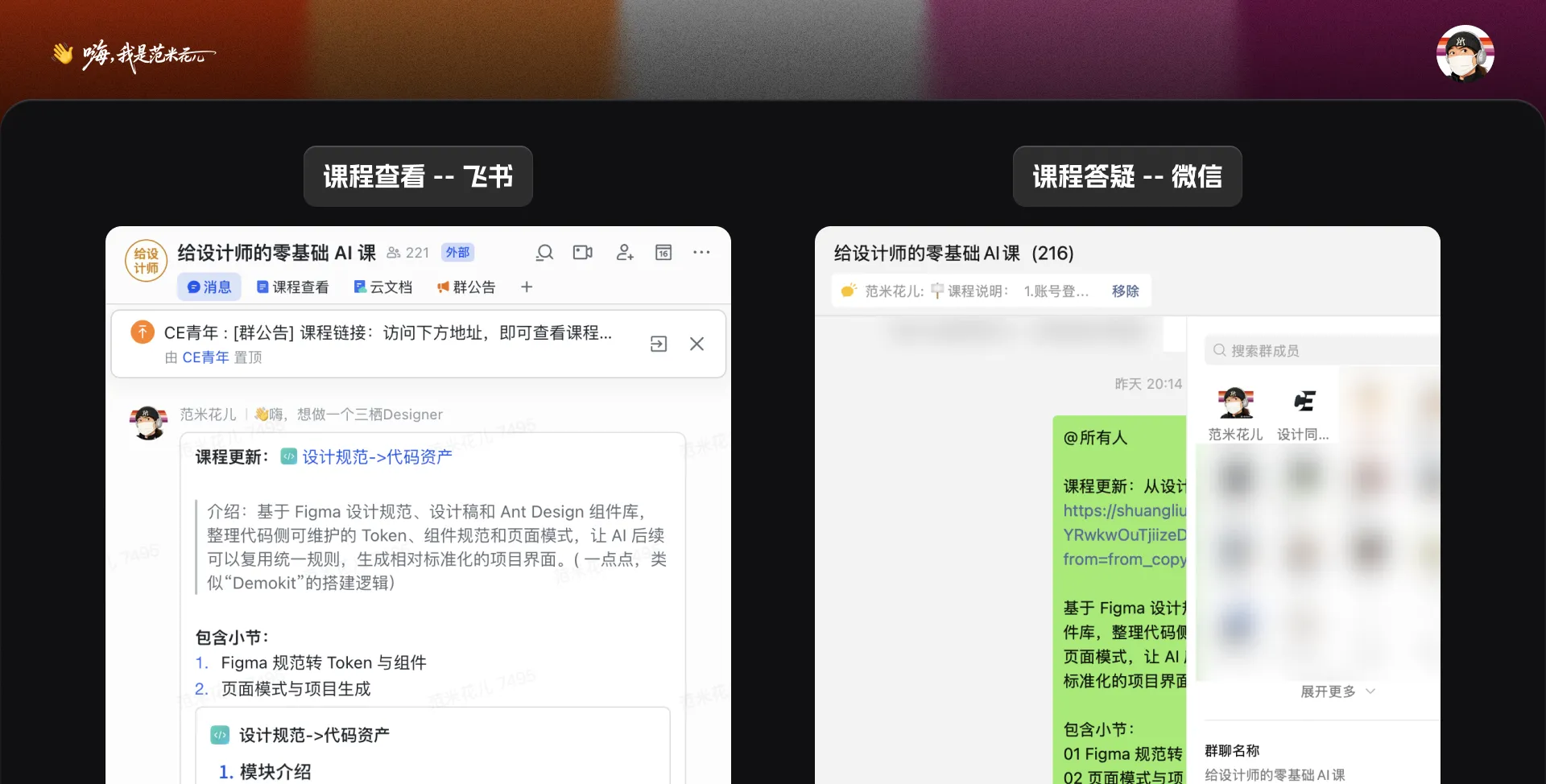
- Recorded lessons on Feishu, with demos and course documents
- A dedicated WeChat learning group for questions
- Ongoing updates included for existing students
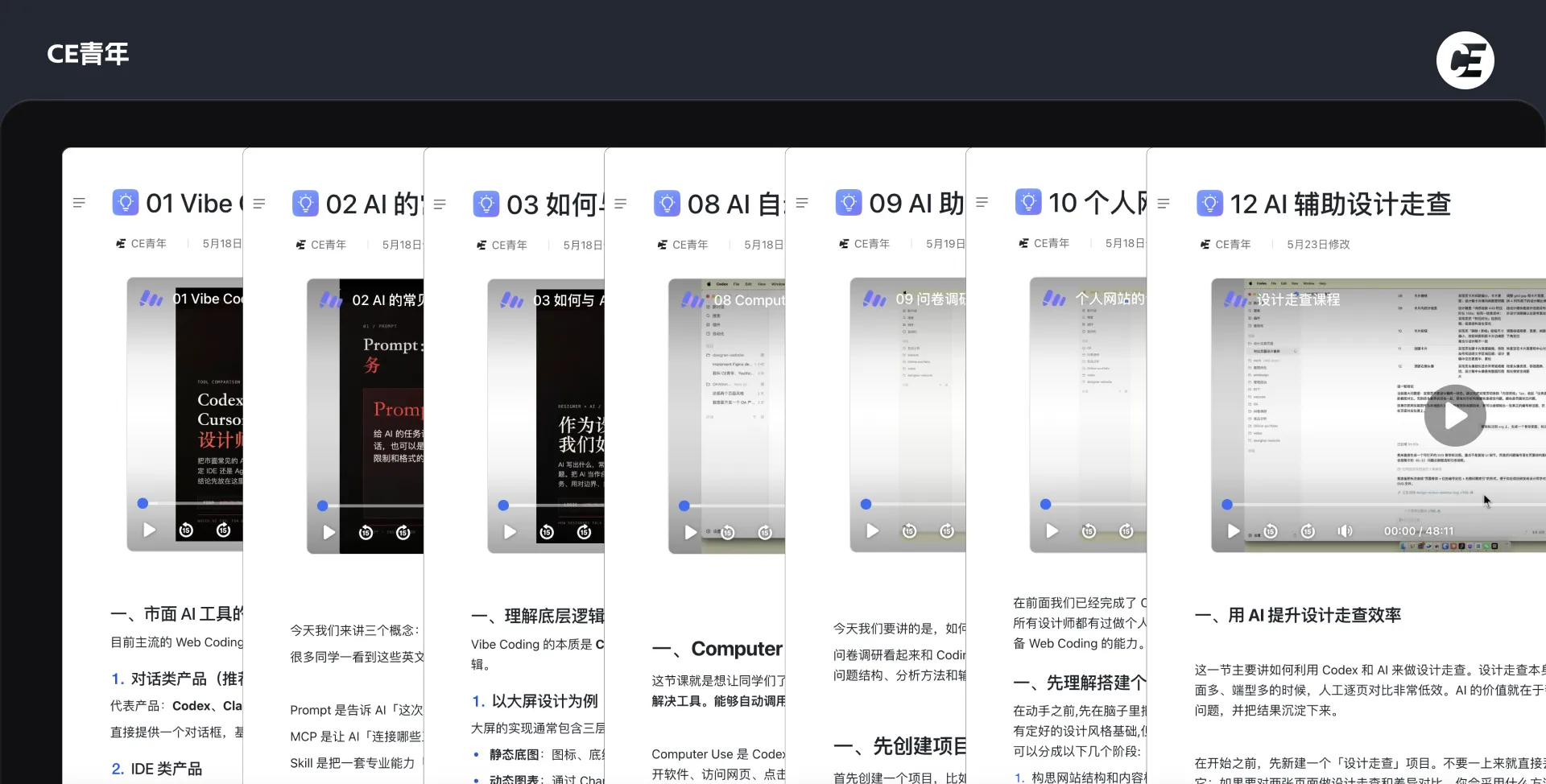
14 modules · 65 lessons
01 · AI products and collaboration
- 1.1 Choosing Vibe Coding tools
- 1.2 Common AI terms
- 1.3 Effective AI communication
02 · AI design tools and setup
- 2.1 Installing and subscribing to Codex
- 2.2 Codex basics
- 2.3 MCP setup
03 · Common AI-assisted design tasks
- 3.1 PPT creation
- 3.2 Competitor screenshots
- 3.3 Survey research
- 3.4 Design QA
04 · Build an AI-ready design system
- 4.1 Color, type, spacing, and effects
- 4.2 Design rules in Markdown
- 4.3 Icons and base components
- 4.4 Component-building Skills
05 · Extract rules from existing designs
- 5.1 Extracting rules
- 5.2 Binding and calibrating rules
- 5.3 Consolidating the system
- 5.4 Completing components from references
06 · Generate pages with rules and components
- 6.1 Composite components
- 6.2 Component mapping and Skills
- 6.3 Typical pages
- 6.4 Iterating page rules
- 6.5 Turning pages into components
- 6.6 Applying an existing component library
07 · Use references and web pages
- 7.1 Using reference material
- 7.2 Implementing web visuals
- 7.3 Web page to editable Figma
- 7.4 Image2 page generation
08 · AI-assisted interaction design
- 8.1 Flows and annotations
- 8.2 Interaction states
- 8.3 Handoff documents
09 · Figma to frontend
- 9.1 Mobile page
- 9.2 Dashboard preparation
- 9.3 Dashboard implementation
- 9.4 Dashboard motion and interaction
10 · Requirements to pages and project iteration
- 10.1 Pages from open-source UI libraries
- 10.2 Rapid prototypes and iteration
11 · Design rules as code assets
- 11.1 Figma rules to tokens and components
- 11.2 Page patterns and project generation
12 · Personal website and online portfolio
- 12.1 Design, deployment, and optimization
- 12.2 Four ways to publish a portfolio
13 · Model evaluation and case studies
- 13.1 Context and multi-task collaboration
- 13.2 Icon asset generation
- 13.3 B2B interaction and states
- 13.4 Three.js dashboard
14 · Student benefits
- 14.1 Design × Code Lab access
- 14.2 Design QA Skills
Purchase notes
- The course is a one-time purchase with future updates included. The current price is shown in the purchase card on this page.
- Delivery includes Feishu recordings, documents, demo files, and the WeChat learning group.
- After payment, save the success screenshot, add Fan Mihua on WeChat, and send the screenshot for manual group entry.
- Contact me directly for duplicate charges, failed delivery, or inaccessible content.
FAQ
- Tools used in class: Codex and Figma.
- Windows and macOS computers, including Intel Macs, can follow the course.
- Codex is not mandatory; the methods can be practised with other suitable AI tools.
- No coding background is required.