Bank of Ningbo | An AI-Driven Design Workflow

Fan Mihua
Cross-domain Designer

Bank of Ningbo | An AI-Driven Experience Design Workflow
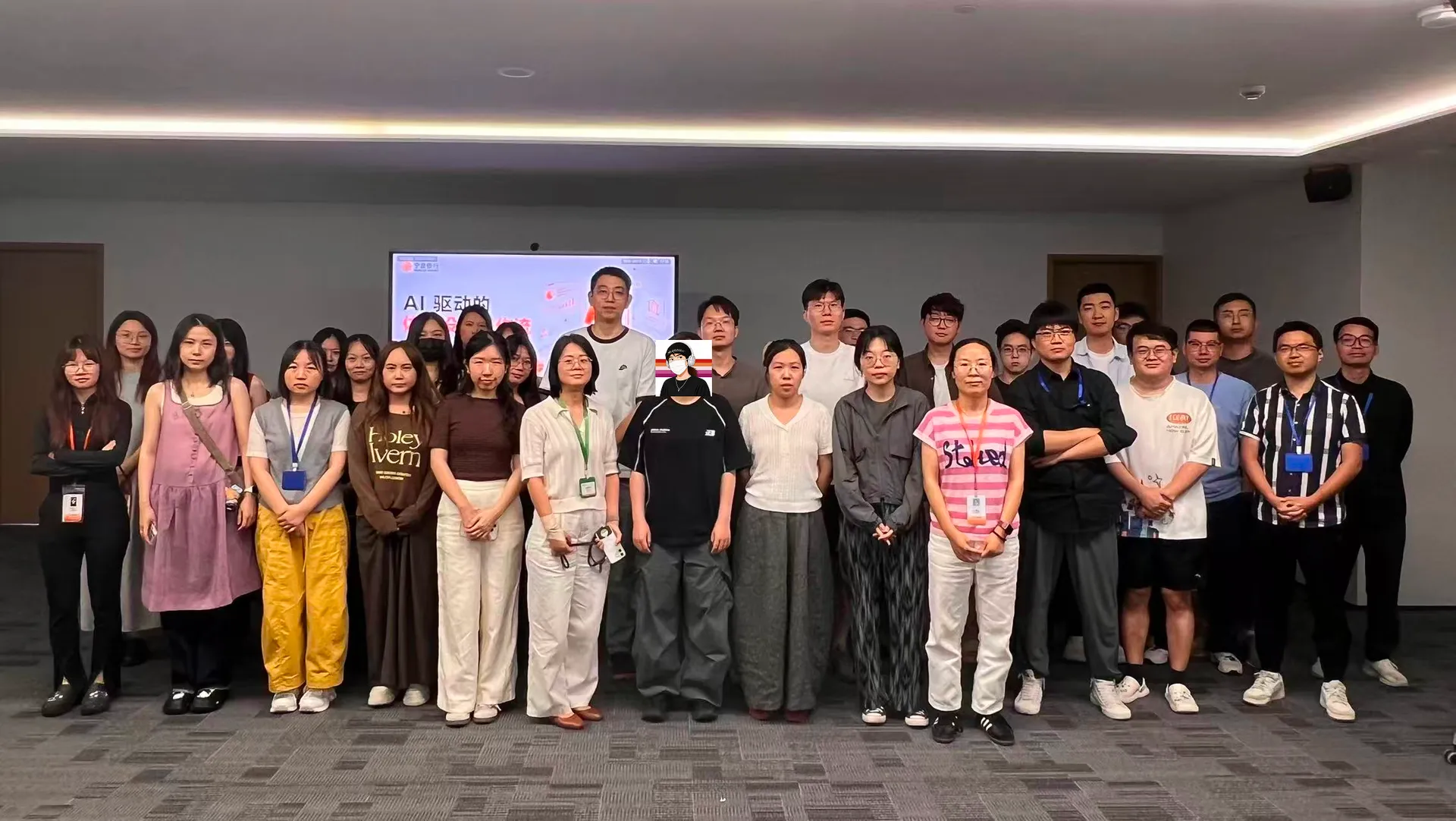
Recently, I was invited to deliver a practical AI design tools training session for Bank of Ningbo's design team.
The session focused on Figma, Codex, and AI-powered design workflows. We explored how AI can read design standards, reuse existing assets, generate components and pages, and support subsequent interaction design and delivery.
From a Beginner AI Course to a Complete Workflow
Most of the methods and case studies covered in this training have already been continuously updated in my beginner AI course.
In the course, these topics are usually organized around specific application scenarios:
how to let AI read Figma files, organize design standards, build components, generate pages, turn rendered images into editable assets, and resolve issues when generated results fall short.
To suit an enterprise design team, I reorganized how these topics connect.
Practices that were originally spread across different chapters and case studies were reconnected into a complete AI-powered design workflow:
First, let AI understand the team's design rules and existing assets. Then use those rules to generate components and pages. Finally, let designers review and correct the output, continually turning new lessons into reusable rules.
The focus also shifted from operating individual tools to understanding how AI can become part of an established design system.
What the Training Covered
The session began with how traditional design systems can adapt to AI.
Design teams usually already have standards for color, typography, spacing, components, and pages. Many of those rules depend on experience accumulated over time and are never fully documented.
When AI starts participating in design work, that experience needs to be translated into information AI can read and execute.
Following this theme, I demonstrated how to organize foundational design standards, build a component asset index, generate composite components and pages, and turn rendered images into editable Figma assets.
We then extended the workflow to interaction states, page connections, and design delivery.
There was a lot of technical content, but everything centered on one question:
How can AI work from a team's existing rules and assets?
As the discussion unfolded, the conversation moved from tool operation to more concrete questions about enterprise adoption.
Why Do Mature Design Teams Still Need AI to Create Assets?
One of the first questions from the client's leadership was very practical:
A mature product usually already has its own variables, styles, and components. New products can also be customized from open-source component libraries such as Ant Design. In what situations does AI still need to create foundational design assets?
This question led me to add two types of use cases.
- The first is building a new system from zero to one.
- The second is continuous iteration within a mature system, including organizing existing standards, adding variables, extending components, creating composite components, and completing large amounts of repetitive binding and review work.
For teams that already have a mature design system, AI creates more value by reading, organizing, reviewing, supplementing, and executing tasks in batches.
The team's existing design system remains the source of truth, while AI helps designers reduce repetitive work within that system.
Can AI Understand a Team's Implicit Design Rules?
Another memorable question concerned the design experience that teams accumulate over time.
The client used Tabs as an example.
The same Tab component may appear as boxed tabs, underlined tabs, or pill tabs. Each form suits different page levels and nesting relationships.
Designers on the team usually know which form to use, but those rules are difficult to describe comprehensively.
AI can read layers, nodes, components, and page structures in Figma, but reading the content does not mean understanding the usage semantics behind it.
For experience that is difficult to document directly, I proposed this approach:
Choose representative pages and let AI read both the visual result and the layer structure. Then ask it to explain its understanding of component usage, hierarchy, and nesting logic.
Designers do not need to write every rule from a blank page. They only need to assess whether AI's summary is accurate and correct the parts that are wrong.
The confirmed insights can then be documented as design guidelines or a Skill and reused in future page generation.
This process also shows one way AI can participate in building a design system:
AI produces the initial organization, while designers make the judgments and calibrate the result.
Can High-Fidelity HTML Be Handed Directly to Developers?
While I was demonstrating the page-generation workflow, the client's leadership raised another question about deliverables:
If AI can already generate high-fidelity HTML with interactions and responsive behavior, and the project does not require a Figma design file, can the HTML be handed directly to engineering?
This question moved the discussion further into collaboration between design and engineering.
HTML can express visual details, responsive layouts, and interaction states more completely, and it can serve as a runnable design prototype.
Standalone HTML still requires engineering work before it becomes part of a real product codebase.
Real products usually also involve the team's component library, project framework, APIs, permissions, state management, and coding standards.
HTML can therefore become a new form of design deliverable. Whether it can enter the engineering workflow directly depends on standards jointly defined by the design and development teams.
This also means that future design delivery may no longer be limited to static design files.
Figma, interactive prototypes, and code can each play a different role at different stages.
Can AI Add Interactions for Real Business Scenarios?
At the end of the training, the client's leadership followed up with another question:
If AI already understands a component's interaction states and is also given the specific business logic, how accurately can it add interactions to a page?
For common interactions such as loading, empty states, modals, drawers, and form validation, AI can already provide an initial implementation based on general interaction patterns.
Interactions in banking products involve more specific conditions, including permissions, business states, process decisions, and special exceptions.
These details need to be provided to AI in advance through requirements documents, business rules, or a knowledge base.
Even when the rules have been provided, product and design teams still need to review the final result.
The client also noted that designers currently need to read lengthy PRDs and map the business details to pages, components, and interactions, a process in which details can easily be missed.
AI can help with early-stage requirement reading and information organization, then combine that understanding with existing design assets to generate an initial solution.
The value of this capability may extend beyond page generation to helping designers manage the relationships among requirements, rules, and design assets.
Enterprise Teams Care About More Than Output Quality
Every question raised during the training came from real work:
how mature systems can use AI, how AI can understand team experience, whether HTML will change design delivery, and how business interaction rules should be provided to AI.
These questions also made me realize that the priorities of enterprise design teams are gradually changing.
Teams care more about whether AI can read existing standards, reuse team assets, understand business rules, and participate in real collaboration and delivery workflows.
Being able to generate a page is only the beginning.
A Milestone in an Ongoing Exploration
Over the past few months, I have continued exploring the relationship among Figma, Codex, and design workflows through my beginner AI course and my own projects.
On this trip to Ningbo, I reorganized the cases and methods that had been spread across the course and presented them to an enterprise design team for the first time as a complete workflow.
The questions raised during the session also prompted me to re-examine where this approach applies and where its practical boundaries lie.
The training was both a knowledge-sharing session and a milestone review of my recent practice.
A short note from this trip to Ningbo.