Why AI Still Cannot Compose Pages with Existing Components

Fan Mihua
Cross-domain Designer

A designer came to me with Figma components, usage rules, a packaged frontend project, and an early workflow intended to take AI from requirements to generated pages.
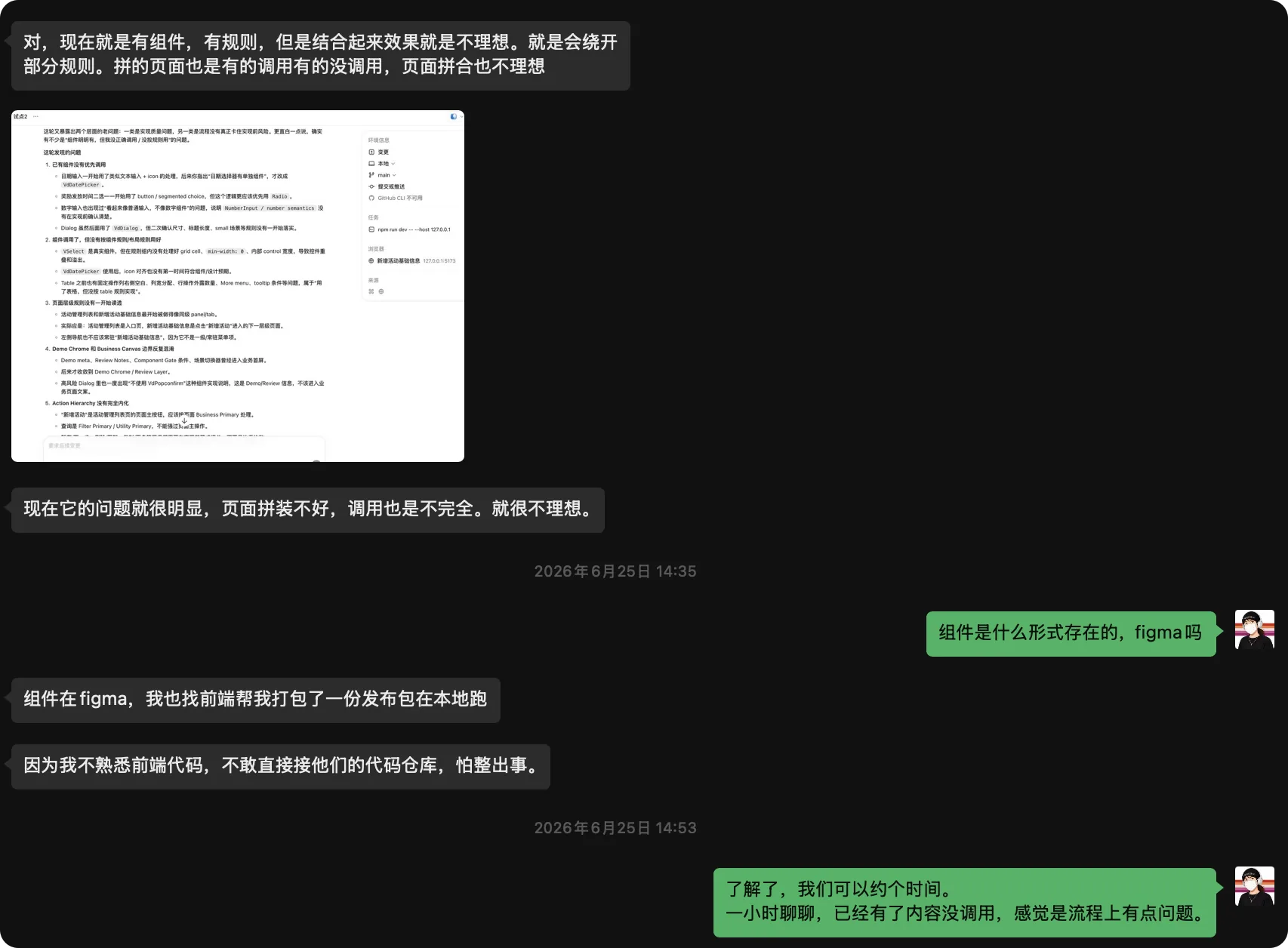
The results were still inconsistent. Some components were used, others were bypassed, and pages that looked acceptable in isolation did not compose into a coherent product. Why could AI still not build the page when the components already existed?
01 | The problem
AI could find components but could not compose the page
The AI could search Figma or the frontend project, but it did not understand when each component should be used. It sometimes chose the wrong component or wrote a new implementation, gradually drifting away from the design system.
More documentation did not make the system readable
There were many component notes and scenario rules, but they were scattered. An AI cannot reread every file for every task, and it had no reliable way to decide what to read first.
The designer was caught between Figma and frontend code
She could see that the generated pages were wrong, but she was not comfortable changing the company repository and could not tell whether the root cause was the components, page rules, or the generation workflow.
02 | My diagnosis
Reading documentation is not the same as using a component
Markdown can explain what a component is, but it is not an executable component. Without an explicit mapping, AI may read the rule and still hand-code the page or import the wrong implementation.
Component rules do not define page structure
Rules for buttons, tables, and dialogs operate at component level. A list page or detail page also needs a page-level pattern that explains how those components work together.
The missing layer was retrieval and execution
The issue was not that AI had never seen the components. It lacked a dependable path from requirements to page templates, component retrieval, and real engineering implementation.
03 | What we reorganized
Audit existing assets before adding more rules
We reviewed the Figma system, Markdown documentation, frontend project, and current workflow together to understand what already existed and where the relationships were missing.
Connect catalogs, mappings, and page templates
The components and documents needed searchable catalogs, while design components, usage rules, and frontend implementations needed explicit mappings. Typical page templates and the fixed application shell completed the page-level structure.
Give AI a clear reading order
The new workflow starts with the requirement, retrieves a page pattern and component catalog, reads only the relevant rules, uses the real engineering components, and then verifies the constraints.
04 | The key trade-off
Consistency and flexibility must be balanced
Strict reuse improves consistency but may limit necessary variation. Unlimited generation creates inconsistency. The system needs to distinguish what must be reused from what may be composed or adapted.
The existing stack did not need to be replaced
The team already had a Figma system, frontend project, and component library. The goal was to help AI use those assets correctly, not replace the entire technical stack.
05 | What the designer learned
Move from patching pages to organizing the system
Instead of adding one rule after every failure, she began to see how catalogs, mappings, page templates, and execution flow work together.
Collaborate with Codex without blindly editing the repository
A designer does not need to master all frontend details first. Codex can audit the project and identify missing relationships before changes are made.
Create a reusable execution protocol
The resulting Execution Protocol tells Codex what to read first, what to read next, and when to retrieve more context. The same approach can support future business pages and design-system work.

06 | Takeaway
An AI-ready design system is more than a component library and a set of documents. AI must know where to retrieve information, when to read it, how to compose the page, and which real engineering component to call.
Designers do not need to become frontend engineers first, but they do need to organize design assets into a system that AI can retrieve, understand, execute, and verify.